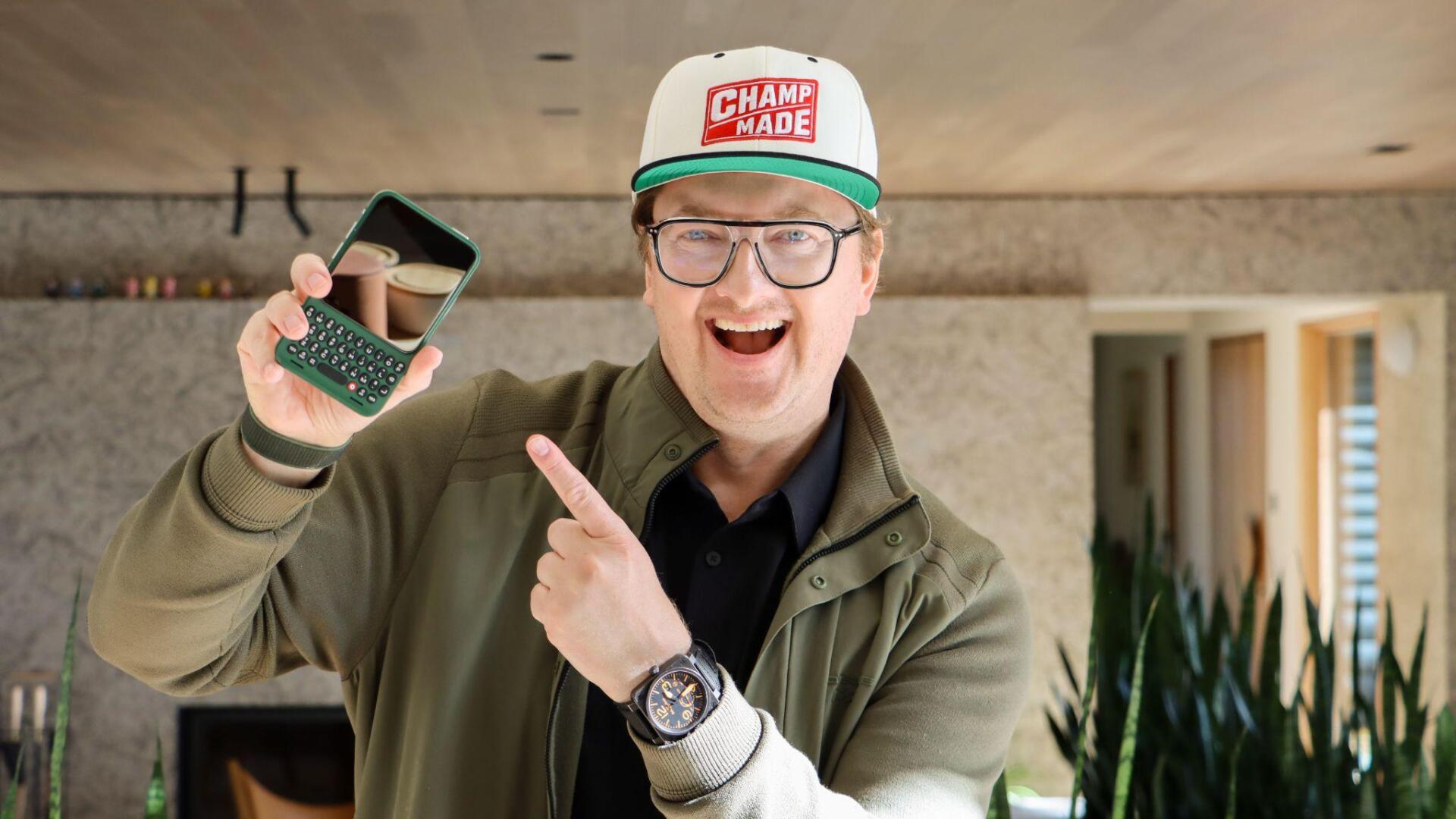
Touchscreen smartphones transformed how people consume digital media, but virtual typing remains a persistent friction point for mobile productivity. On-screen keyboards consume nearly half the display, forcing users into cramped viewports while drafting emails, editing documents, or reviewing content. Without tactile feedback, typing accuracy drops, forcing users to constantly correct typos and look down at their fingers rather than the screen. For mobile creators, writers, and business professionals who rely on their phones for intensive daily output, standard glass screens often slow down critical workflows.
Clicks Technology entered the market to solve this limitation by engineering a dedicated hardware keyboard case for smartphones. Built with precision micro-switches, backlit keys, and direct hardware connectivity, Clicks restores full-screen visibility while unlocking desktop-grade keyboard shortcuts on mobile devices. With the recent launch of Clicks Power Keys and Communicator, an Android smartphone, Clicks is bringing tactile keys to all your tech. In this executive Q&A, Co-Founder and President Kevin Michaluk discusses the revival of physical tactile typing, the challenges of launching a new smartphone in 2026, and how Clicks empowers users to focus on communication over doomscrolling.
Q: Touchscreens became the universal smartphone standard over a decade ago. What specific frustrations with modern mobile typing inspired you and the team to create Clicks?
Kevin Michaluk: Founding CrackBerry back in 2007, I became the complaint box for everyone on planet Earth who missed having physical buttons on their phones! Even after BlackBerry exited the smartphone business, I continued receiving emails, DMs and messages DAILY from people asking when somebody was going to build a modern keyboard phone.
The demand never went away. The products did. Those who knew and missed typing on real buttons never grew to love the constant typos and soulless feeling of tapping out words on glass, they just learned to tolerate it. Those who never had a proper keyboard typing experience on a smartphone didn’t know what they were missing.
Over 40% of our original Clicks Keyboard for iPhone customers had NEVER used a physical keyboard phone before. To them, this wasn't nostalgia. It was something new and different they wanted to try.
Our vision was always bigger than a keyboard case. We ultimately wanted to build a complete communication-focused smartphone. Starting with an accessory allowed us to validate demand, learn from customers and build a business along the way.
Fast forward to today, and we have a portfolio spanning Clicks Keyboard cases, Power Keyboard, and Clicks Communicator.
We're not just bringing back buttons. We're building the future of communication.
Q: A major benefit of Clicks is reclaiming screen real estate. How does moving the keyboard off the display transform daily workflows for mobile writers, editors, and creators?
Kevin Michaluk: The obvious benefit is that you get your entire screen back! Every time you type on glass, a virtual keyboard takes up nearly half your display. With Clicks, you can see more of your conversation, document or whatever you're working on.
The bigger benefit is the feeling of typing on real buttons.
It's not necessarily about being faster. It's about confidence, precision, and muscle memory. Being able to type without staring at your fingers, whether you're walking around or sitting in the back of a bumpy car.
Once you develop that muscle memory, typing becomes something you do almost subconsciously. You can focus on WHAT you're communicating instead of HOW you're typing it.
Q: Hardware accessories often introduce input lag or battery management friction. Why did Clicks commit to direct Lightning and USB-C connections with pass-through charging instead of standard Bluetooth?
Kevin Michaluk: With our Clicks Keyboard cases, simplicity was the priority. You put your phone in, and it just works. No pairing, no separate battery to charge, and you don't even need to install an app. Of course, our app makes the experience even better with additional customization.
With Power Keyboard, we took a different approach. It's a universal keyboard designed to work across multiple devices, so Bluetooth makes perfect sense. Modern Bluetooth is incredibly responsive.
With Communicator, we're building the entire phone, so we control the hardware and software experience together.
It's really about choosing the right technology for each product, rather than forcing one approach across everything.
Q: Beyond mechanical key travel, Clicks integrates extensive keyboard shortcuts. How do features like spacebar page scrolling and command-level hotkeys change how users navigate mobile apps?
Kevin Michaluk: Most people think about a physical keyboard purely as a way to type, but once you have real buttons, you unlock a whole new way of interacting with your device.
The keys let you scroll through webpages, launch apps, call contacts, and even summon an Uber to your location without navigating through your home screen. These are little things that make a BIG difference in daily use. You save seconds everywhere and your keyboard becomes a remote control for your life.
With our keyboard accessories, we work within what iOS and Android allow, and thankfully they give us quite a lot to work with.
With our Communicator smartphone, where we control both the hardware and software, we can take that experience even further. That's where things get really exciting.
Q: Designing an ergonomic keyboard requires careful balance so the phone does not feel top-heavy in hand, and a design for comfort, speed, and accuracy. What structural and tactile challenges did your team solve to achieve a comfortable, accurate, and balanced typing experience?
Kevin Michaluk: One of our biggest design unlocks came from realizing that the way people HOLD their phones has completely changed over the past 15 years.
Back in the BlackBerry days all phones on the market were small compared to the average touchscreen phone today. People held their phones low, almost in a prayer position, with their index fingers and thumbs grasping at the bottom. If you held any modern smartphone that way, it would feel top-heavy.
But that's not how people hold phones anymore!
Today, most people cradle their phone with a pinky underneath and an index finger supporting the back. When you hold a Clicks-equipped iPhone that same way, your thumbs naturally fall right onto the keyboard and the additional length doesn’t affect balance.
That realization was huge. We didn't need to reinvent how people held their phones. We needed to design a keyboard that worked with how they ALREADY held them.
From there, it was all about obsessing over key shape, spacing, tactile feedback and the overall typing experience.
Q: As mobile operating systems become more capable work environments, where do you see the future of dedicated physical productivity accessories heading over the next few years?
Kevin Michaluk: I think the future is about giving people more choice in HOW they interact with technology.
Walk into a boardroom today and you'll see someone taking notes with a pen and Moleskine notebook, someone typing on a laptop, and someone else using an AI voice recorder. Nobody thinks any of those approaches are wrong. They're just different preferences.
Yet somehow, when it comes to smartphones, we've been conditioned to believe that physical buttons are a thing of the past.
I don't buy that.
I’m the first to admit that touchscreens have enormous advantages. They allow for a flexible UI and make it easy to support virtually any language with the same hardware, which makes devices simpler to manufacture. The support for a real keyboard requires more moving parts and more device models to support the different keyboard layouts for different languages. But the experience of physical buttons offer tactile feedback, muscle memory, and a feeling of confidence that glass can't replicate.
We're looking forward, not just backward. Clicks Communicator combines a physical keyboard with a dedicated Prompt Key designed for speech to text and AI. In many ways, it's the best BlackBerry never built. It's also designed for where communication is heading next.
At Clicks, we're not anti-touchscreen. We're all about choice. We believe people should have the freedom to interact with their technology in whatever way works best for them.
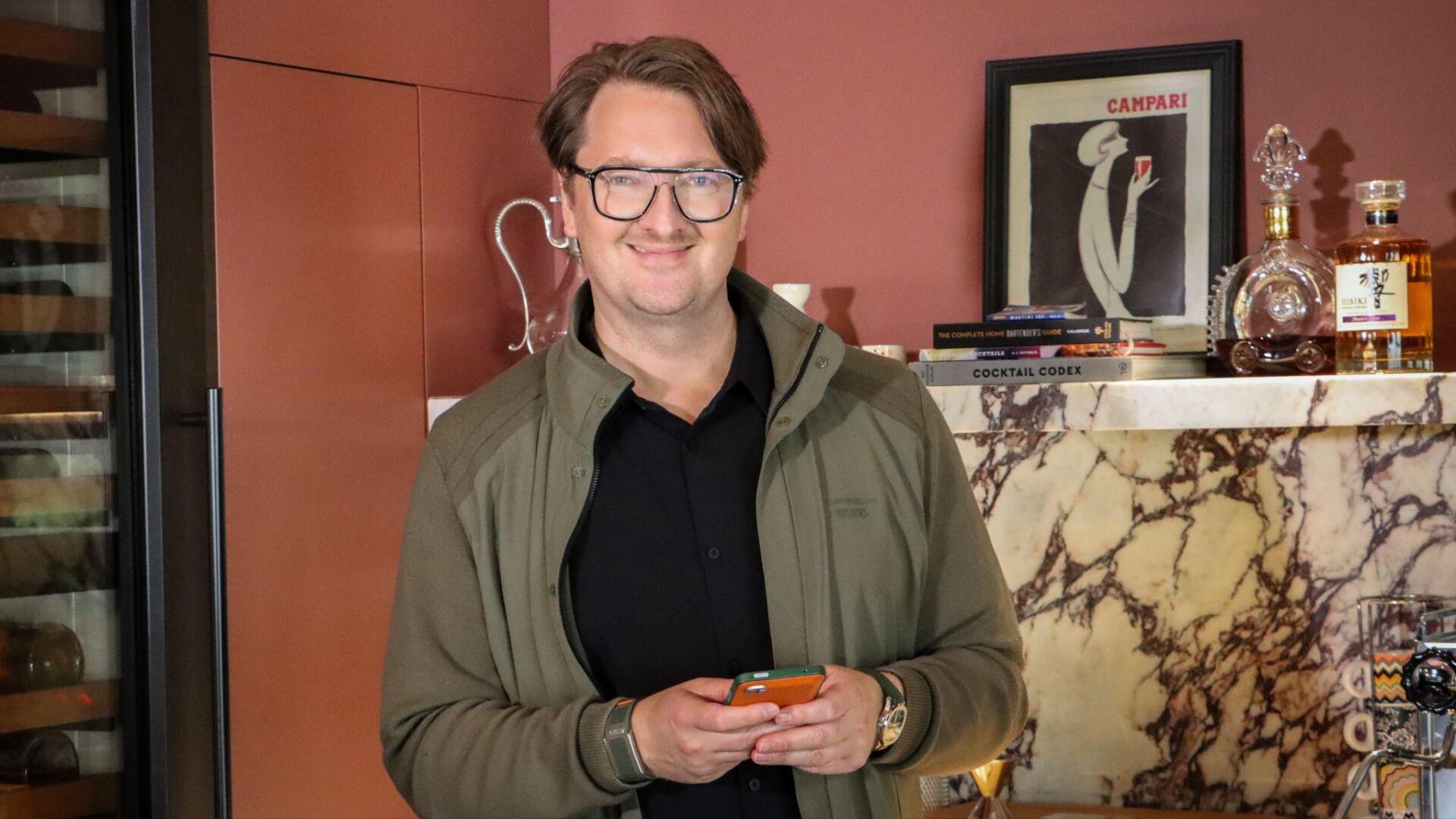
The insights from Kevin Michaluk highlight that there is a market for physical keyboard devices that are intentionally designed to do some things better than others, like communication. With the Clicks Keyboard cases, touchscreens do not have to come at the expense of tactile accuracy and screen utility. The company has since pushed that idea further with the Communicator, a standalone keyboard-first phone built for messaging rather than scrolling, and the Power Keyboard, a magnetic, case-free keyboard that brings physical keys to phones, tablets, and other touchscreen devices. By shifting keys off the display, Clicks gives users back their entire screen while restoring the speed and muscle memory of dedicated physical hardware. Direct hardware integration and intuitive shortcuts prove that purpose-built accessories can unlock genuine desktop-class productivity on pocket-sized devices.
As mobile operating systems grow more capable, the demand for fast, reliable input tools will continue to expand. Users who manage demanding communication, content creation, and enterprise tasks require hardware that matches their workflow ambitions. Through thoughtful industrial design and mechanical precision, Kevin Michaluk and Clicks Technology show that physical keyboards remain an indispensable asset for the modern mobile workforce.
To learn more visit https://clicks.tech/