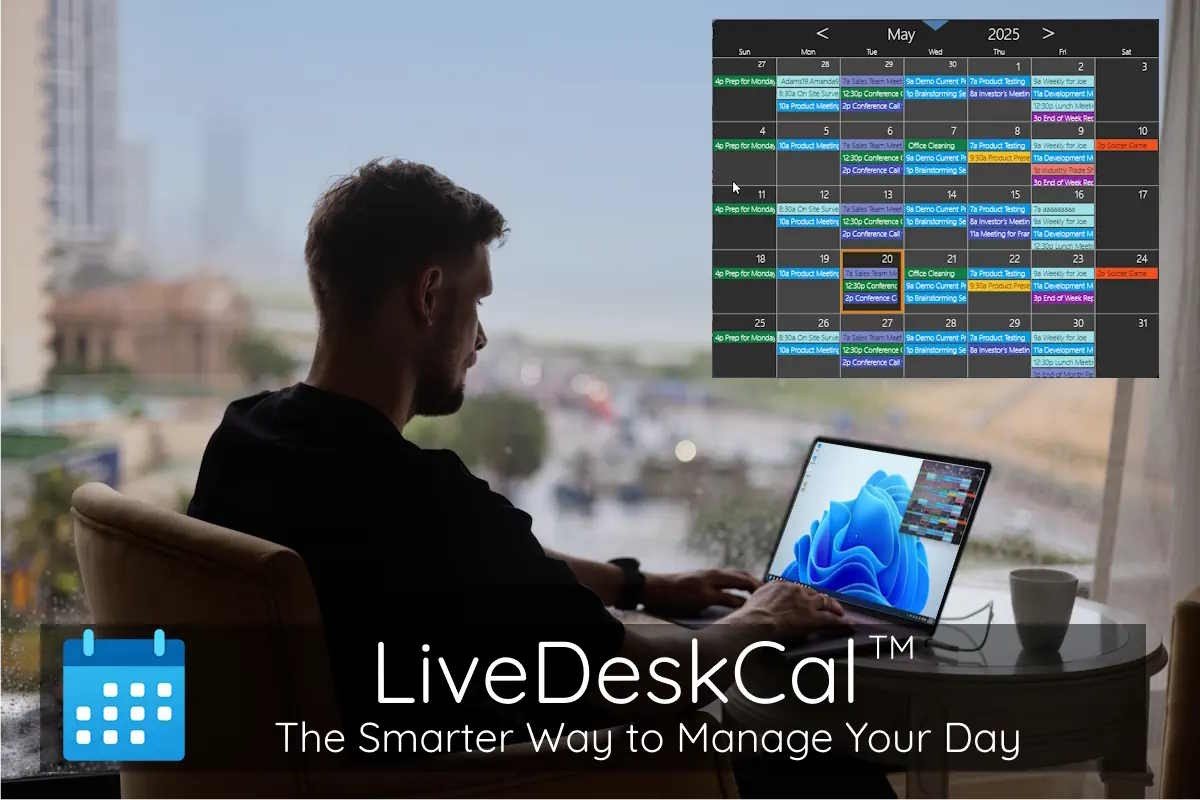
New Lite and Pro options bring Google Calendar, Outlook Online, and CRM scheduling to an always-on-top desktop calendar—without living in a browser tab.
PORTLAND, OR, UNITED STATES — LiveDeskCal, the lightweight desktop calendar widget for Windows 11, announced expanded options for users who want their schedule visible while they work—whether they prefer an offline desktop calendar or need Google Calendar and Outlook syncing directly on the Windows desktop.
Designed to reduce context-switching, LiveDeskCal places an always-visible calendar on the desktop where users can review upcoming events, add appointments, set reminders, and organize schedules with color-coded categories—without keeping a browser window open all day.
Three Versions to Match How People Schedule on Windows
LiveDeskCal is available in three tiers, built for common scheduling needs—from private offline planning to cloud and CRM workflows:
- LiveDeskCal Free — A no-cost, offline desktop calendar for Windows users who want local events, categories, and alarms with no account required.
- LiveDeskCal Lite ($4.95 one-time) — Adds two-way sync with Google Calendar and Outlook Online / Office 365, plus auto-refresh and background syncing for an always-updated desktop calendar view.
- LiveDeskCal Pro ($9.95 one-time) — Adds CRM calendar integration and expanded syncing for teams and professionals who schedule in tools like Act!, GoldMine, monday.com, and more.
Built for Focus: A Windows 11 Calendar Widget That Stays Out of Your Way
LiveDeskCal’s design emphasizes quick visibility and control. Users can keep the widget always on top, use reminders and alarms to avoid missed meetings, and scan busy weeks faster with category colors—while matching modern Windows themes, including dark mode.
Key Features Include:
- Always-visible desktop calendar widget for Windows 10 and Windows 11
- Create, edit, and manage events directly from the desktop
- Custom alarms, reminders, and color-coded categories
- Google Calendar on desktop and Outlook calendar widget syncing (Lite/Pro)
- CRM scheduling visibility and unified calendar workflows (Pro)
“LiveDeskCal is the calendar Windows users didn’t know they were missing. We designed it to feel natural on the desktop—staying out of your way until you need it.” — Thomas M, Product Manager
Availability
LiveDeskCal is available now at LiveDeskCal.com, including Free (offline), Lite (Google + Outlook Online sync), and Pro (CRM integrations and advanced sync workflows).
About LiveDeskCal
LiveDeskCal is developed by CompanionLink Software, a long-time provider of productivity and synchronization tools. LiveDeskCal’s mission is simple: keep schedules visible and actionable on the Windows desktop—fast, lightweight, and easy to use. Learn more at https://www.companionlink.com/, https://www.dejaoffice.com/, and https://livedeskcal.com/.
Media Contact:
Wayland Bruns
CompanionLink Software, Inc.
+1 (503) 243-3400