Summary: PDF Awesome has launched a redesigned online PDF toolkit for freelancers, small businesses and students. It offers 23 browser-based tools for editing, converting, organizing and securing PDFs, led by an editor that rewrites existing text without a watermark, with core editing available without an account. A Pro plan costs $5 per month or $48 per year, and uploaded files are deleted within 60 minutes.
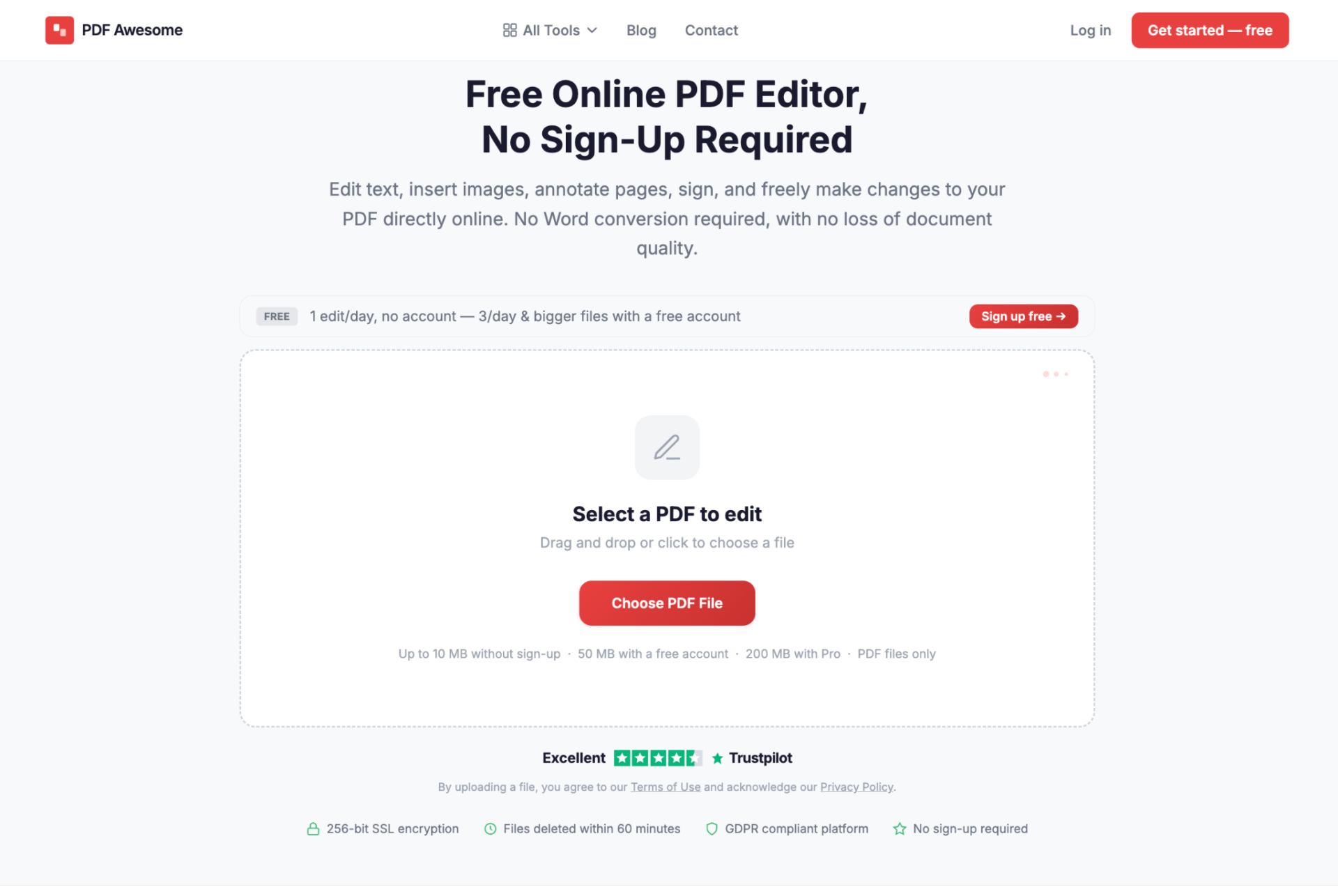
Newark, Delaware – PDF Awesome, an online PDF toolkit, has launched a redesigned website that gives freelancers, small businesses and students a way to edit, convert, organize and secure PDF files in a web browser. The centerpiece is its Edit PDF tool, available at https://pdf-awesome.com/edit-pdf, which, the company says, rewrites existing wording in the file itself instead of hiding it beneath an added text box.
Key points
- 23 tools in four groups: Edit, Organize, Convert and Security.
- Direct text editing is available to every visitor, including those without an account, according to PDF Awesome.
- Free access is limited by daily usage and file size. A Pro plan costs $5 per month or $48 per year.
- Uploaded files are deleted automatically within 60 minutes, the company says.
Why it matters for small teams
Small businesses and independent professionals handle PDFs daily: quotes, invoices, agreements, brochures and application forms. When a figure or a name needs to change and the original file is not at hand, the usual options are paid desktop software or a converter that can disturb the layout. PDF Awesome says its relaunch is aimed at this gap, giving non-specialists a short route from a finished PDF to a corrected one.
How the editor works
According to the company, users upload a PDF that contains a text layer, click the text to change, type the correction and download the updated file. The tool also supports adding or replacing images, signatures that can be drawn, typed or uploaded, form filling, and annotations such as highlights, sticky notes, shapes and freehand drawing. PDF Awesome states that the original typefaces stay intact, pictures keep their quality, and the finished file carries no watermark.
The company notes one limitation: a scanned document is essentially a photograph of a page, and because the service does not yet read scanned text automatically, the wording in a scan cannot be rewritten. Markup and signatures still work on scans.
Beyond editing
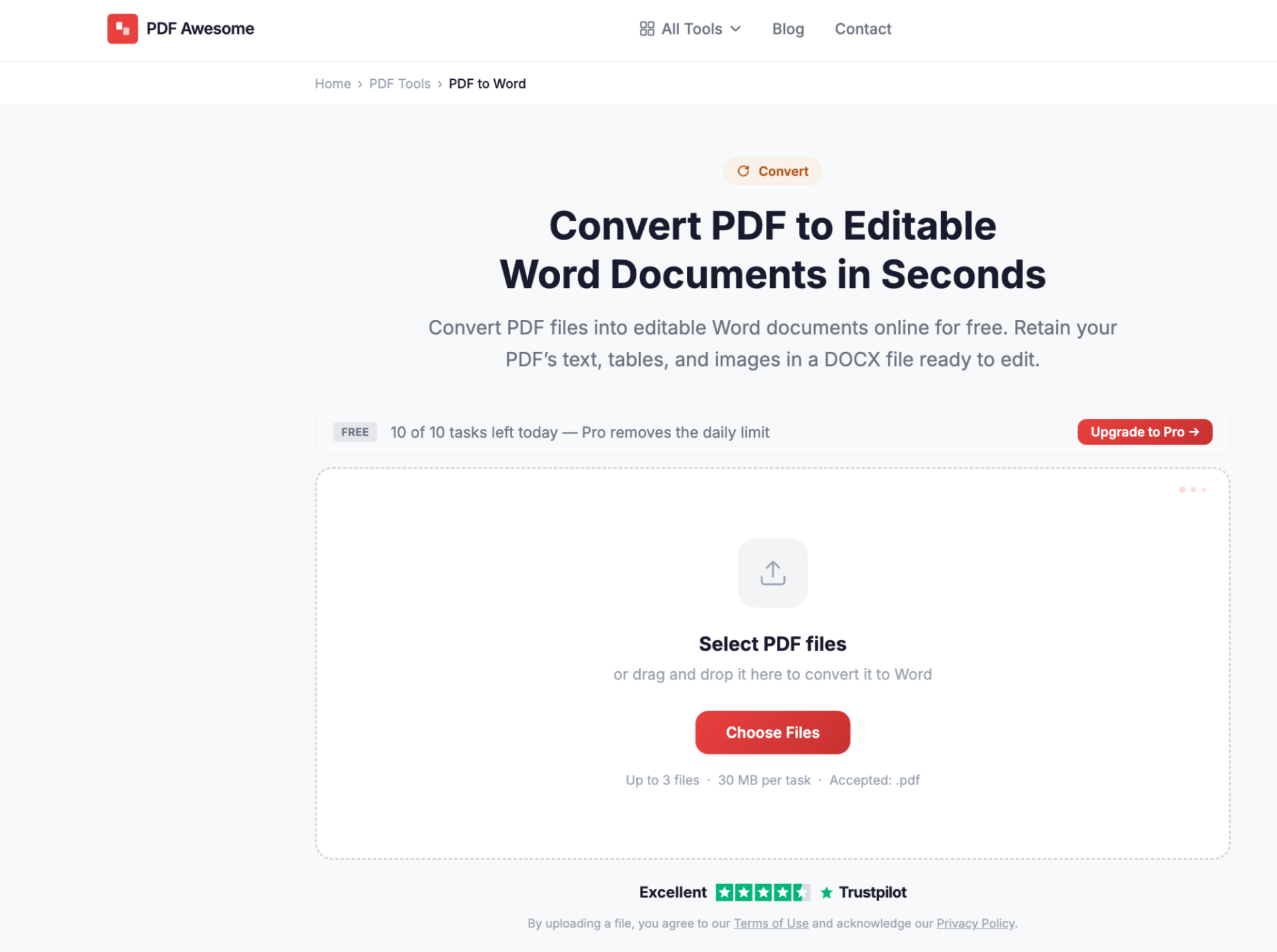
The rest of the platform handles combining and splitting documents, shrinking large files, removing or rotating pages, adding or removing passwords, and producing archive-ready PDF/A files. Its conversion tools turn PDFs into editable Word documents, as the PDF to Word converter at https://pdf-awesome.com/pdf-to-word does, as well as Excel, PowerPoint and image files, and can convert them back again. According to PDF Awesome, every tool is built around one short routine of uploading, previewing and downloading, which keeps the learning curve low.
Pricing and limits
The company’s published limits work in three tiers. Visitors who do not sign in get one edit a day on files of up to 10 MB. A free account raises that to three edits and 50 MB. The Pro subscription, listed at $5 monthly or $48 annually, lifts the daily cap, accepts files of up to 200 MB and gives jobs priority.
Privacy
PDF Awesome says uploads travel over 256-bit SSL encryption, are erased within an hour, and are handled under GDPR requirements.
About PDF Awesome
PDF Awesome is a web-based PDF toolkit for editing, organizing, converting and protecting documents, designed for quick everyday tasks without software installation.
Media Contact
Sahil Sharma
PDF Awesome