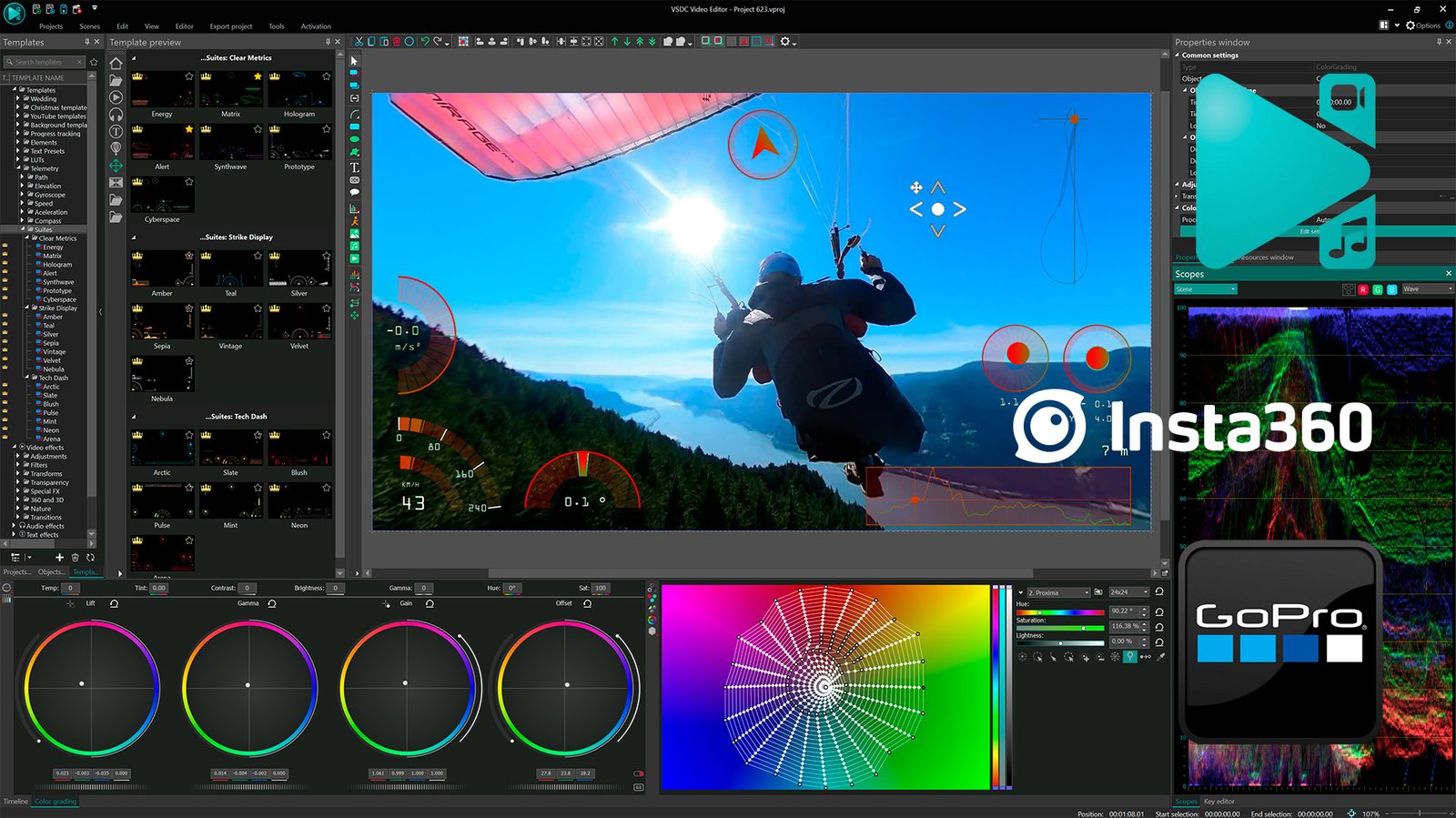
What is the best gift for a creative person? New possibilities, of course. The VSDC team has proudly presented the 11.1 update, which includes the long-awaited feature to edit video directly from Insta360 cameras. This is a real gift for everyone who films clips on these cameras and needs a simple yet multifunctional tool for working with panoramic video.
Native Insta360 Support
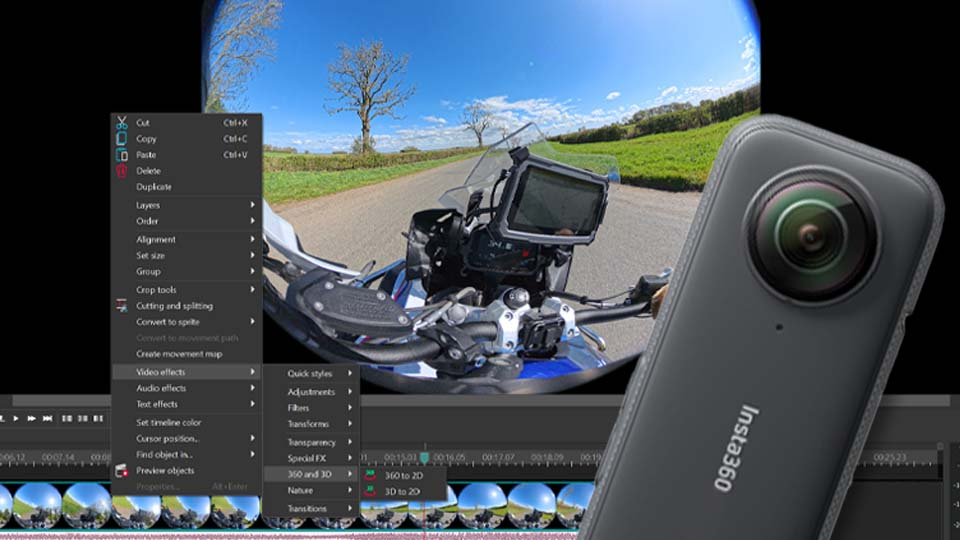
Version 11.1 eliminates the need for third-party converters by adding native support for video files from Insta360. Users can now import their raw footage directly into VSDC and make all necessary adjustments right there.
With the updated “360 to 2D” effect, transforming fisheye or dual-fisheye spheres into standard 2D video is a simple, straightforward process. Editors have full control over the final output with adjustable settings for field of view, edge blending and camera convergence along the X and Y axes, allowing for precise framing and reframing of every shot.
GPS Telemetry: Add Speedometers and Route Maps
For such videos, the VSDC team notes that not only the visuals are important, but also the sensations: speed and the dynamism of the journey. That is precisely why in VSDC 11.1 users can not just edit video but also add data from GPS sensors. If a GPS tracker was used or telemetry was collected via the Insta360 app during filming, all of this can now easily be turned into GPS gauges right on the video.
An important note from the team: for this feature to work correctly, recorded GPS data is required. They advise ensuring that during filming, the tracker had a stable signal (usually indicated by a special icon), and the app was configured correctly. Detailed instructions for setting up telemetry recording for specific camera models can always be found on the official Insta360 website.
Users can extract GPS data directly from the video if it was recorded within it (through the editor’s resources window by right-clicking on the clip there) or upload this data as a separate file. Then, using ready-made VSDC templates, they can add a speedometer showing their speed during a mountain descent, overlay an animated route map and much more.
Made for Smoother Video Editing: Auto-Save, Enhanced Waveform, Timeline Controls, Stability Fixes
And that’s not all. The team has added the ability for users to give their 360° videos a creative twist by turning them into fisheye clips, now part of the ‘360 to 2D’ effect.
Plus, the developers have implemented an Auto-Save feature. Projects will now save themselves every 15 minutes, allowing users to focus on creating, not on saving. If they’d like to adjust the interval, they can head to Options > Saving Options.
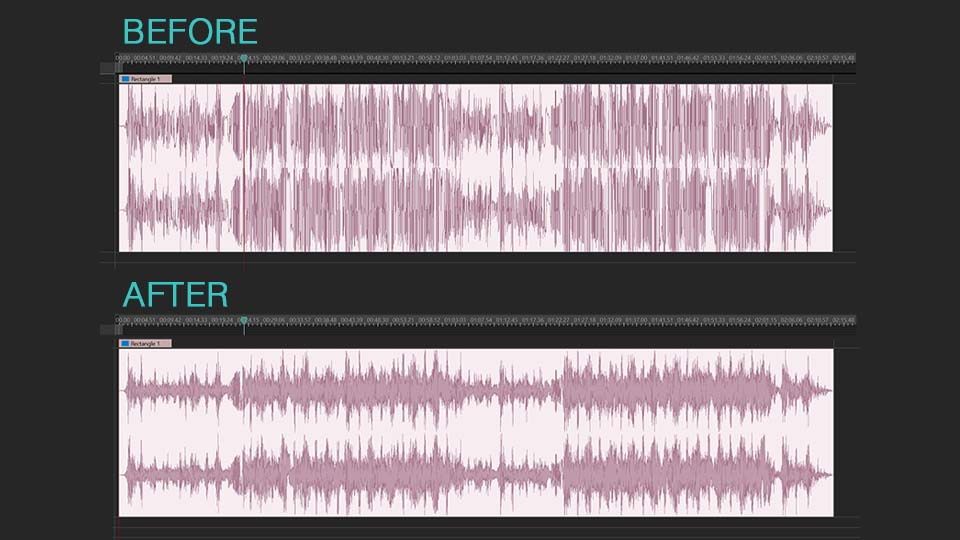
The waveform visualization has been upgraded with higher detail, so users can literally see more: every nuance, every beat, every quiet passage. They can now enable a setting in Options to generate the waveform automatically as soon as a video is added to the timeline. Additionally, the team has added new quick navigation controls, conveniently located in the timeline’s bottom-left corner, allowing for faster customization than ever.
The VSDC team also hasn’t forgotten about user feedback: this update fixes errors and resolves minor issues that were reported. They have paid special attention to system stability, particularly when working with effects, where the last thing a user needs is a sudden crash.
And good news for HDR enthusiasts: the display engine now performs flawlessly across all supported configurations so footage looks exactly as intended.
Visit the VSDC YouTube Channel or the How-to section on the website to learn more about working in the video editor.
The team is eagerly waiting to see what users will create using the new features. They invite users to share their projects, impressions and suggestions by writing to support@videosoftdev.com.